
FuchaTech original · Networking & Infrastructure
A small office network, planned before the first cable is pulled
Count the desks, decide where the rack can live, and only then buy switches and access points. The hardware list is the last page, not the first.
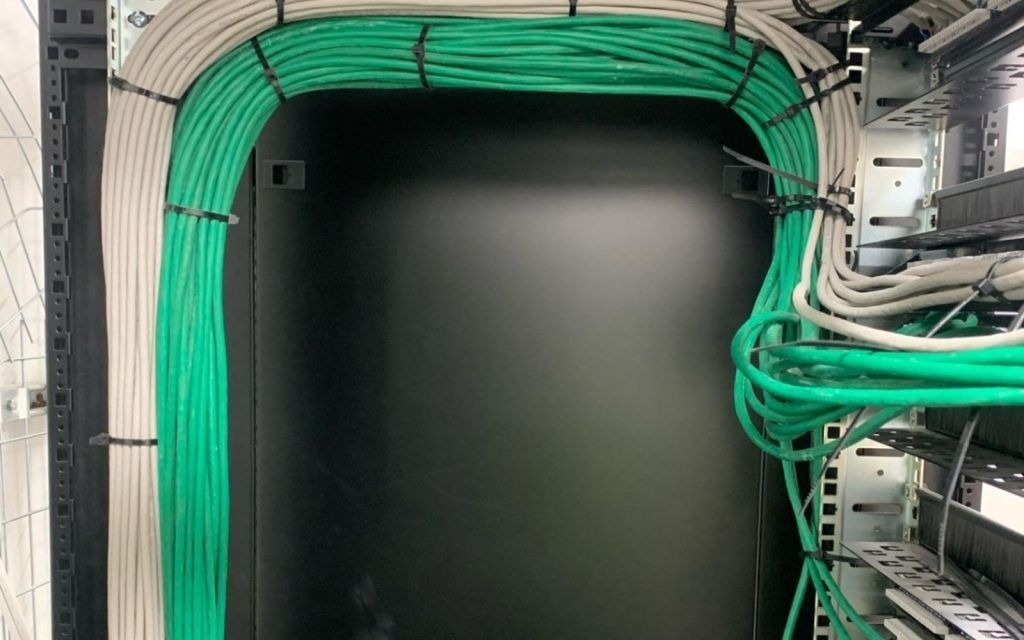
Most office networks get expensive in the same place. Someone orders a router because the internet feels slow, then adds an access point, then discovers the cabinet is full and the cable to the far room was never pulled. The useful order is the other way around. Walk the rooms first. The shopping list comes after the path of the cable is obvious.
Start with the rooms, not the router
Write down who sits where, which desks need a socket, and which rooms only need Wi-Fi. A reception, a store, and a meeting room do not need the same number of outlets. Count printers, a network video recorder, and any till or access-control panel as devices, not as furniture. If a room is still being partitioned, mark it as unfinished. Cable pulled before the walls are agreed is cable that gets cut.
Also mark where the internet actually enters the building. In a lot of Nairobi offices that is a single fibre or wireless drop in a corner that nobody planned as a technical space. That corner decides where the rack should be, or how long the first run has to be.
What belongs in the rack
A small office usually needs four things in one place: the incoming link, a firewall or capable router, a switch, and the patch panel that the floor cables land on. Power for that cabinet should be thought about at the same time. A strip shared with a kettle is not a design.
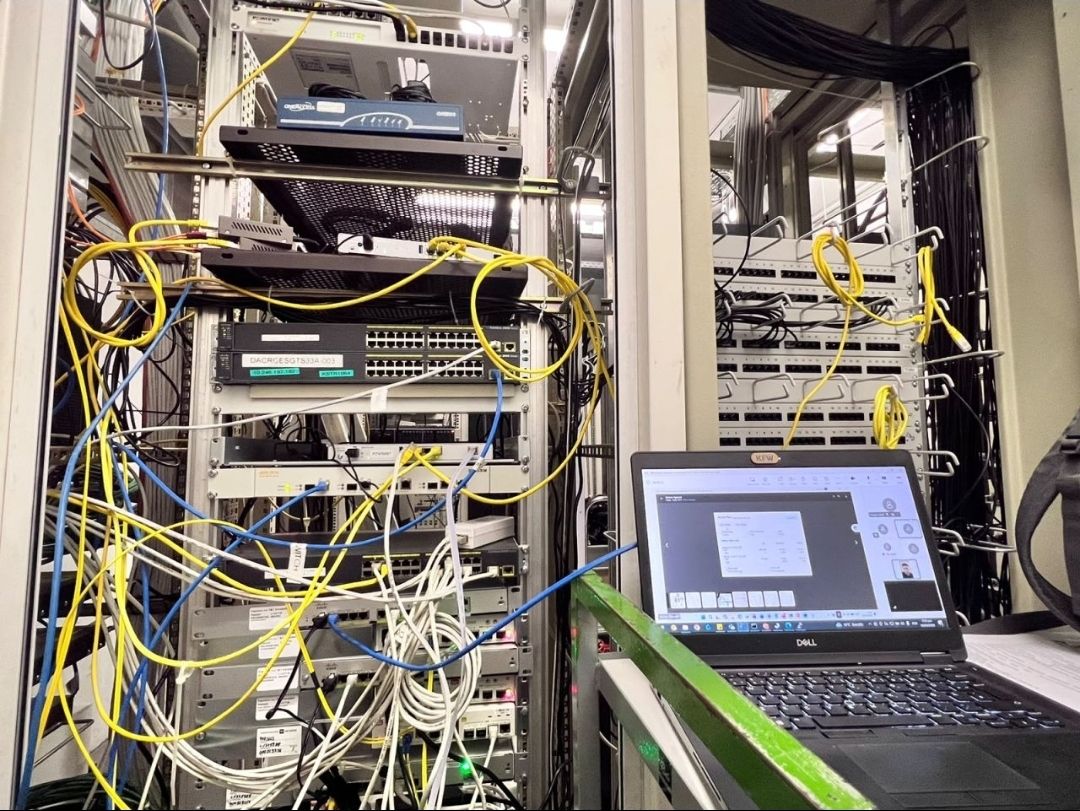
Leave space. A 9U or 12U cabinet that is full on day one has nowhere for the next switch or the recorder. If the building has no cupboard that can take a cabinet, say so before the quote. Mounting a switch on a wall above a doorway is how ports become unreachable.
Copper first, fibre only when the run needs it
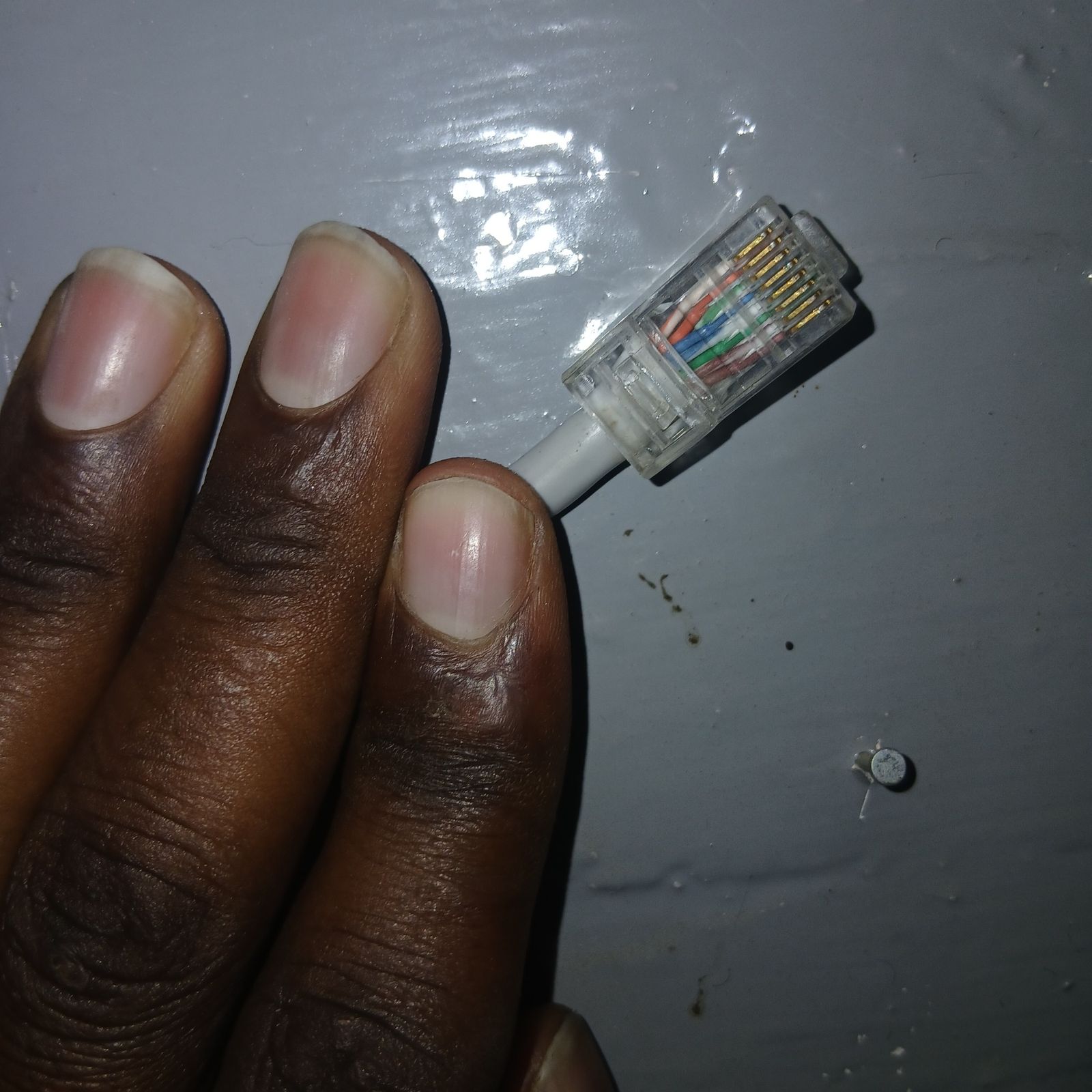
Desk outlets are almost always copper. Terminate them properly, test them, and label both ends. A pretty faceplate with an untested pair will fail the day someone plugs a phone or a camera into it.
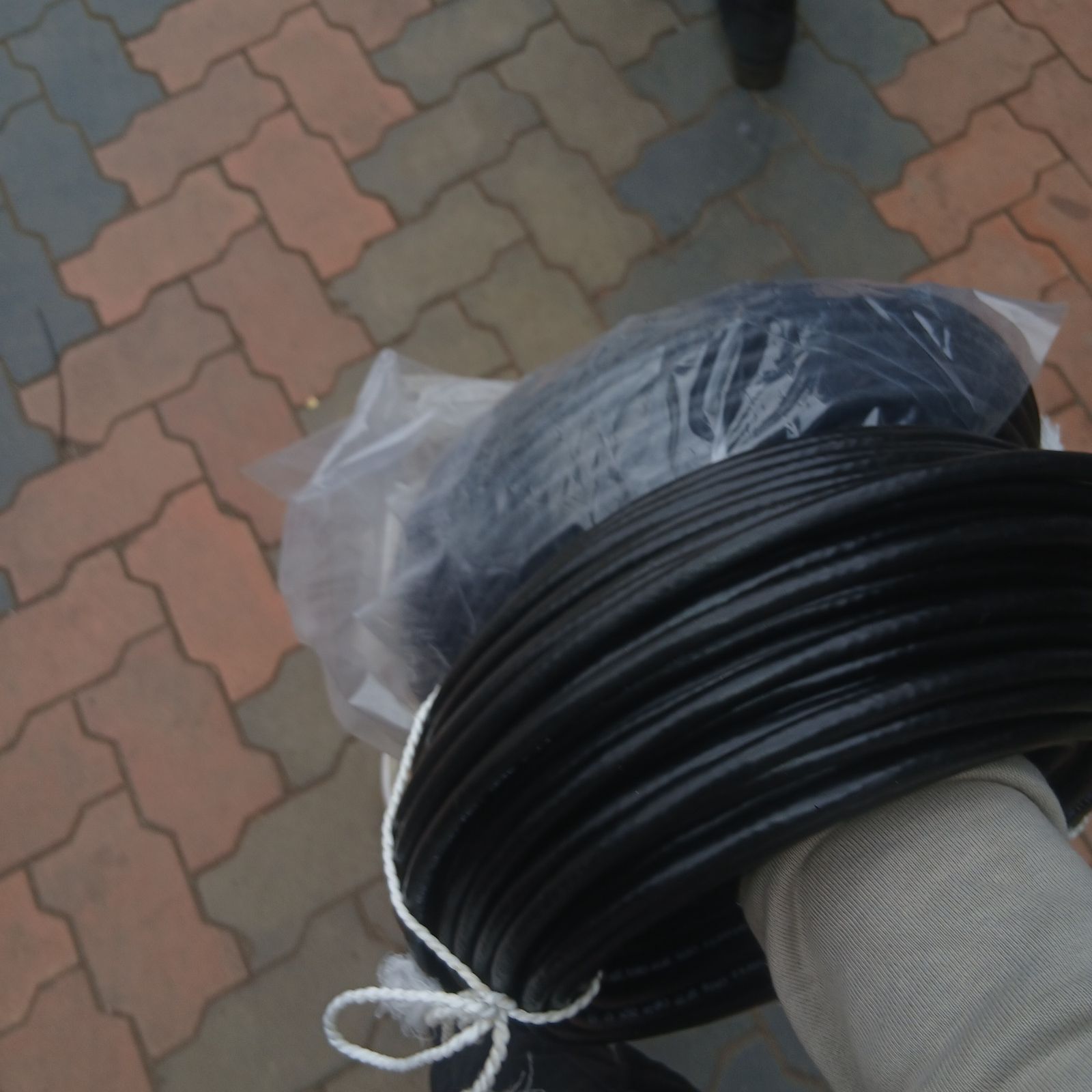
Fibre earns its place on longer runs, between buildings, or where the volume of traffic and the distance make copper the wrong medium. It does not need to be specified for every desk to make a network sound modern. If fibre is used, the splice tray and the enclosure are part of the job, not an extra.
Wi-Fi is a coverage problem
One access point in the server corner covers the server corner. Draw the walls that are brick, the boardroom that is glass, and the store that is metal shelving. Those are the places a single ceiling point will disappoint. Name the network, decide whether guests are separated, and write down the password somewhere that is not a sticker on the router. The sticker is how a visitor network becomes the office network.
Then the edge, and a piece of paper
Addressing, the firewall rules you actually need, and remote access come after the cable works. A network that cannot pass a laptop on a desk will not be saved by a clever rule. When it does pass, write a one-page note: where the cabinet is, what the internet circuit is, which ports are patched, and who holds the admin login. That note is what makes the next visit short.
FuchaTech designs and installs this kind of network, from structured cabling and Wi-Fi through to the rack. The networking equipment is quoted for the site, not picked from a generic bundle. If you already know the floor, tell us the site and we will start from the rooms.
Continue reading
All insights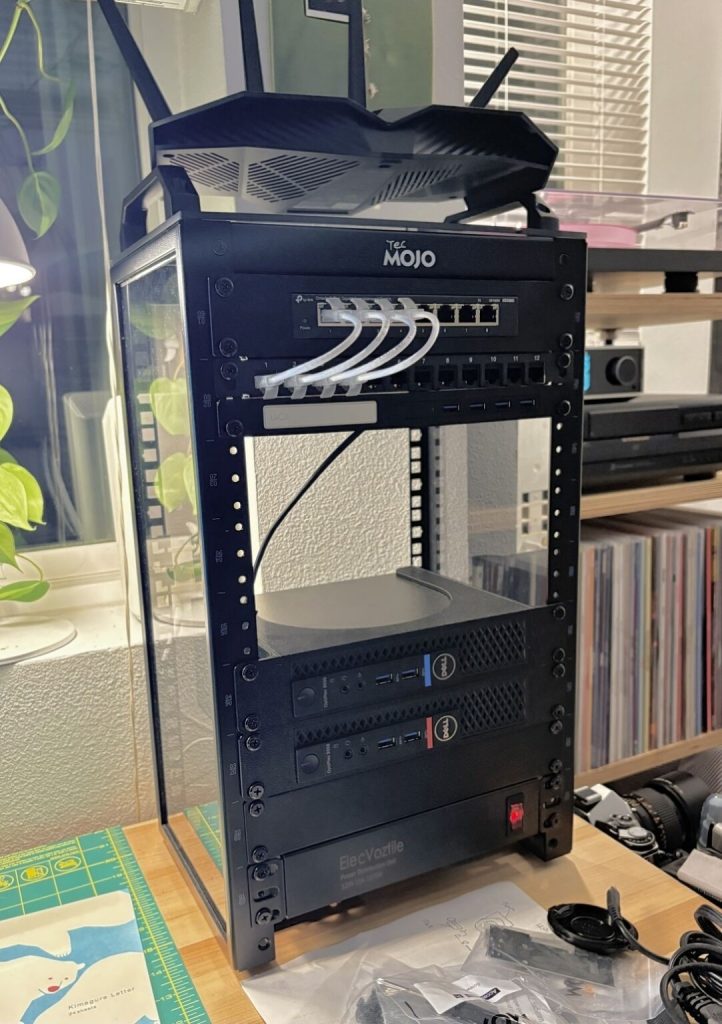
FuchaTech · Networking & Infrastructure
Small office networking: what to plan before buying another router
A practical small-office network brief: understand routers and switches, count devices, record faults and check power before buying equipment.
FuchaTech · Networking & Infrastructure
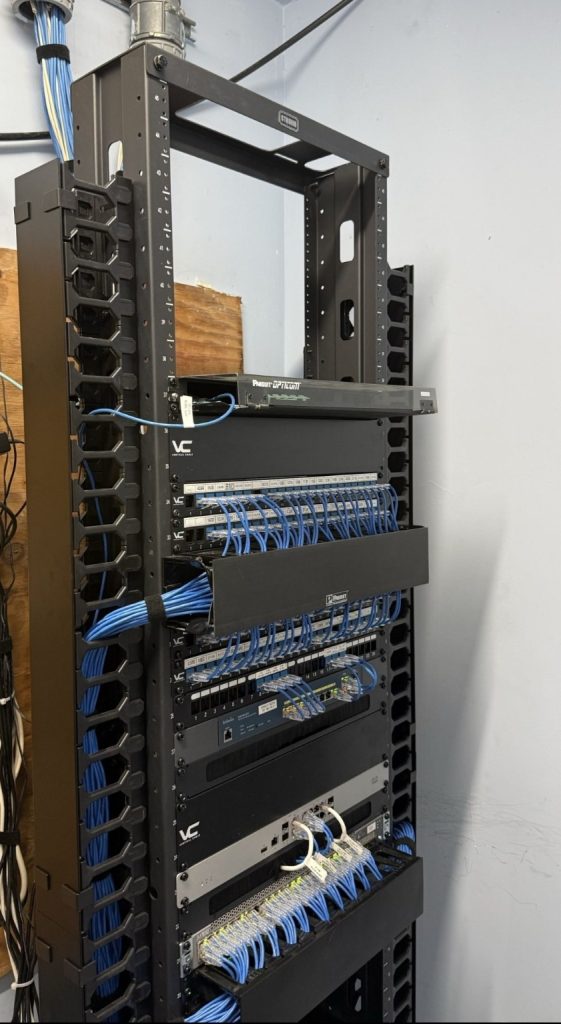
Planning a network cabinet: 7 checks before an office upgrade
Seven checks for an office network upgrade: ports, cable routes, labels, ventilation, service continuity and a useful handover.
FuchaTech · Networking & Infrastructure
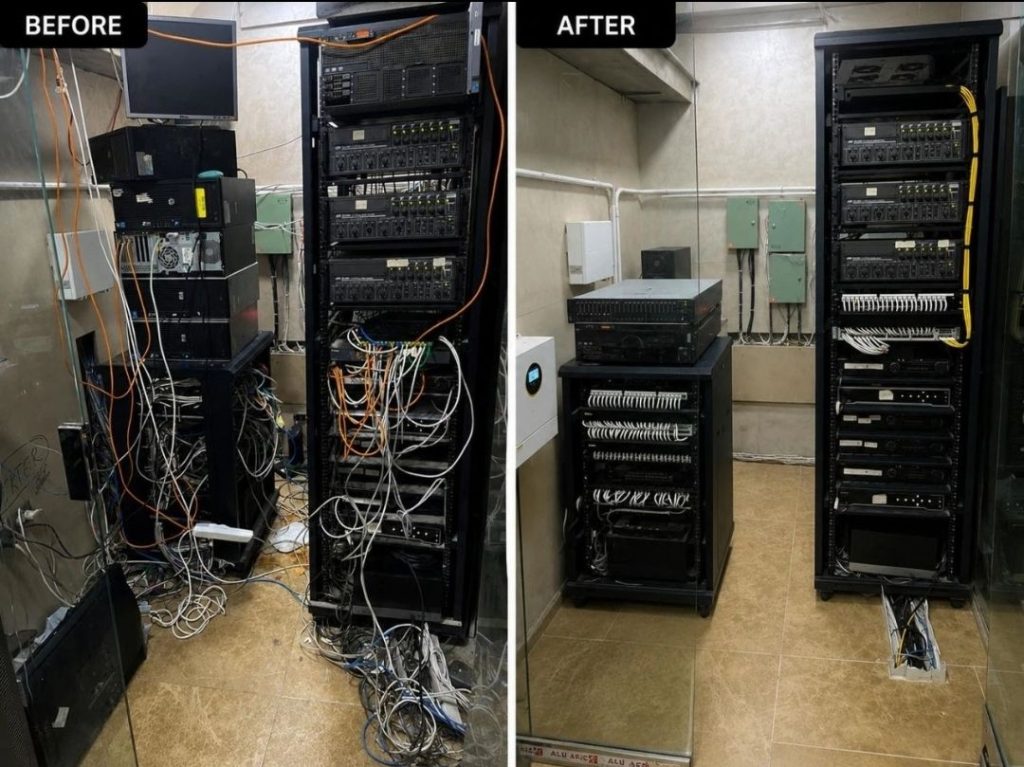
Label the rack so the next person can work
A dressed rack is not the same as a labeled one. Both ends of a lead, and a one-page port list, are what make the next visit possible.