
FuchaTech original · Networking & Infrastructure
Planning a network cabinet: 7 checks before an office upgrade
Seven checks for an office network upgrade: ports, cable routes, labels, ventilation, service continuity and a useful handover.
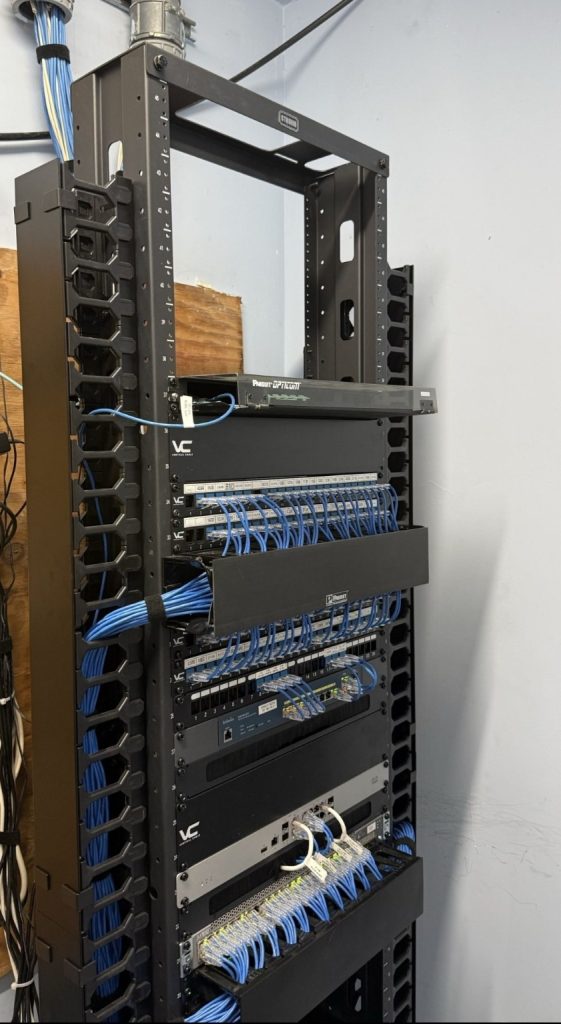
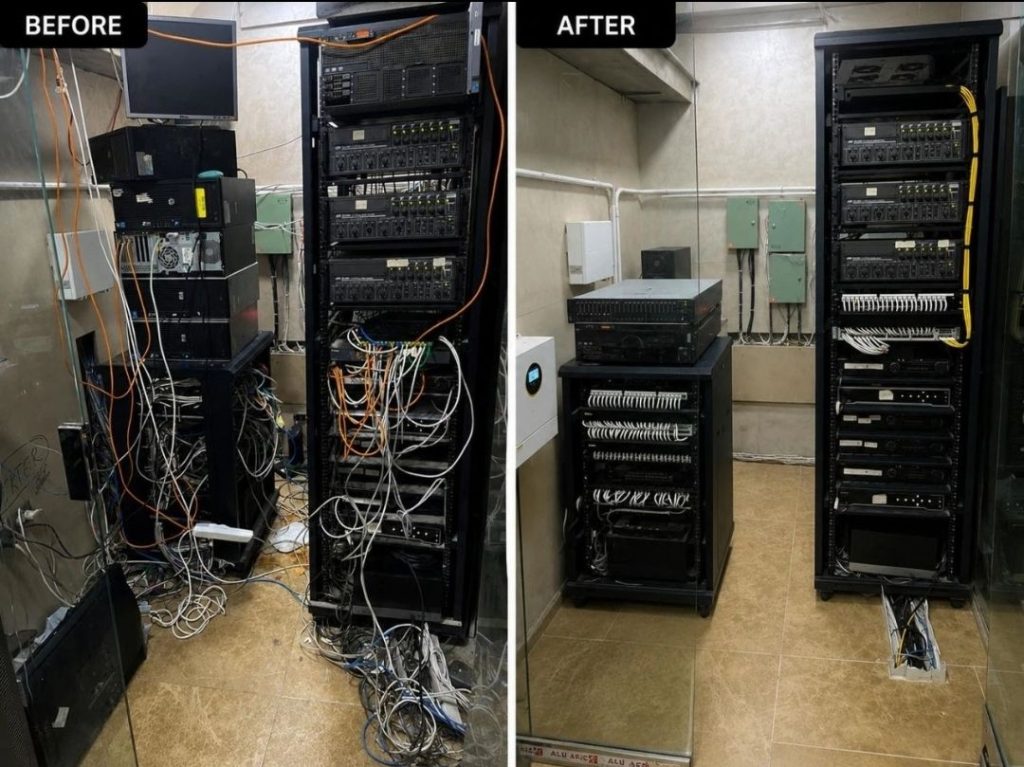
A network cabinet should make the next repair easier. Before an office in Kasarani or elsewhere in Nairobi adds another switch, camera or access point, check whether the cabinet has room for the equipment, its cables and the person who will maintain it.
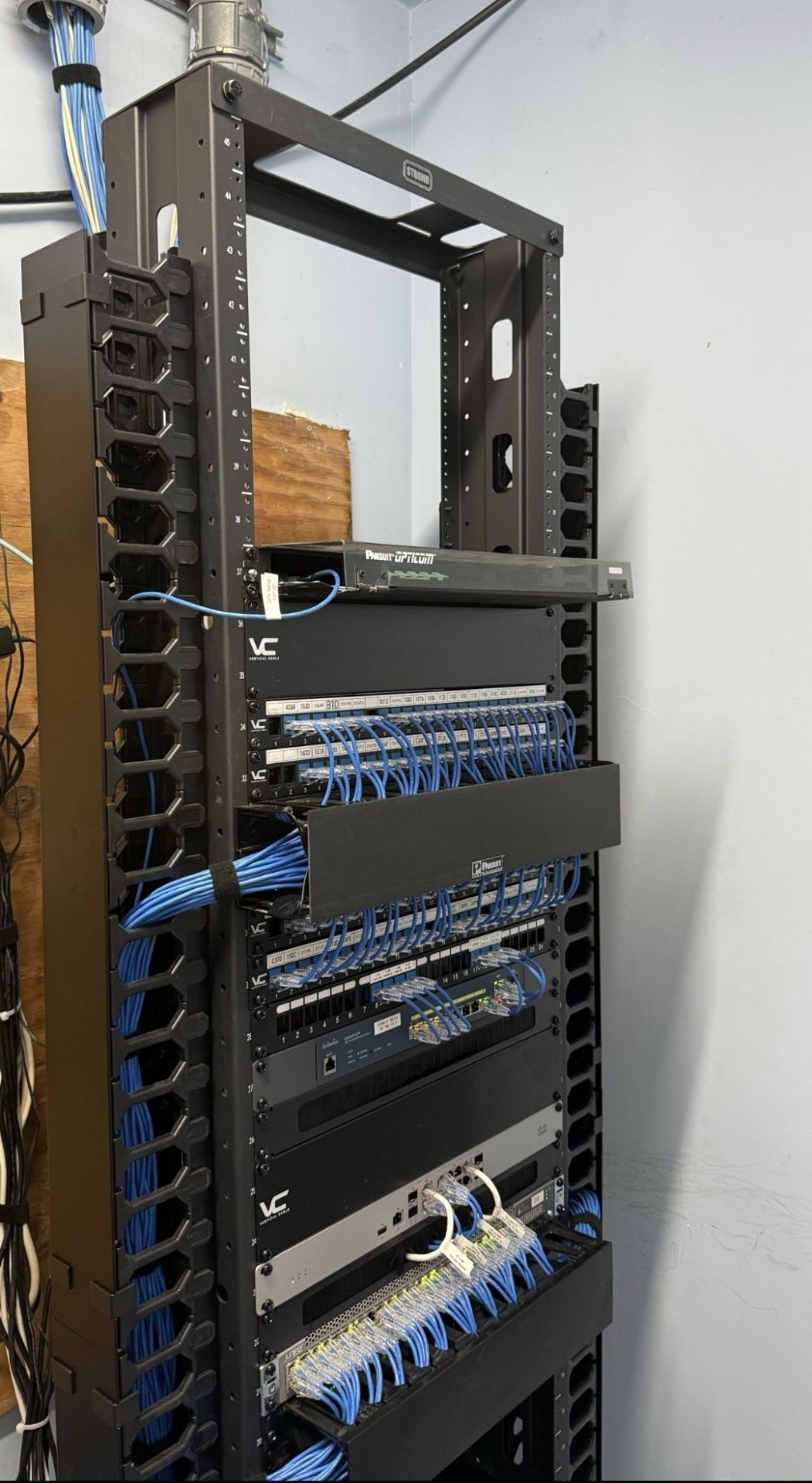
1. Count connections before choosing equipment
List desks, printers, wireless access points, cameras, phones and uplinks. Record what is connected today and what the business expects to add. Take that list to the site survey so the proposed cabinet and switch can be checked against actual requirements.
2. Leave room to manage the cables
Allow space for patch panels and cable guides, not just the active equipment. Route leads so indicator lights remain visible and ventilation openings stay clear. IBM’s cabling guidance highlights these practical maintenance considerations.
3. Make each connection traceable
Give both ends of a cable a matching identifier and keep a port list. An entry such as “Office 2, desk 4 → panel A, port 12” is more useful during a fault than a bundle of identical unlabelled leads. Update the list whenever a connection changes.
4. Protect bends and connectors
Use the cable manufacturer’s bend-radius guidance. Support bundles rather than hanging their weight from a connector. Avoid overtightening fasteners; IBM recommends hook-and-loop straps for fibre cables and warns that tight tie wraps can damage them.
5. Check the room, not only the rack
Discuss access, ventilation, cable entry points and power arrangements during the survey. Keep storage boxes out of the working area. Ask a qualified installer to assess mounting and electrical requirements for the actual site.
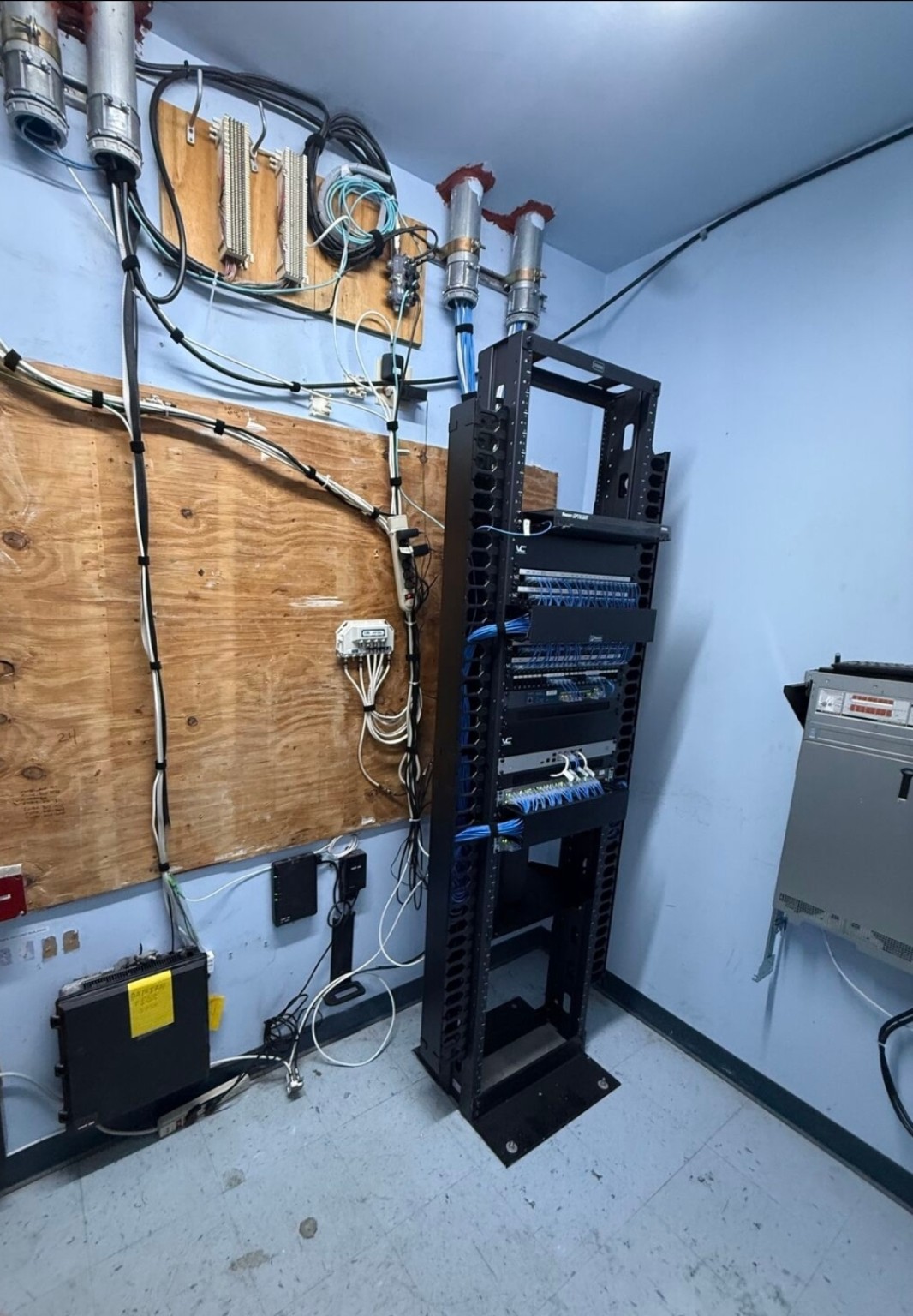
6. Agree how service will continue
Before moving existing connections, agree a maintenance window, identify critical services and document how to return to the previous arrangement if a test fails. A tidy cabinet is useful only if the business can still work.
7. Ask for a useful handover
Request the port list, equipment inventory, configuration ownership and relevant test results. Keep these with your IT records. For a network survey, contact Fuchatech on WhatsApp or visit Contour Business Center, Shop B08, Kasarani.
Technical reference: IBM: Cable management. Apply the instructions for your exact cable and equipment models.
Continue reading
All insights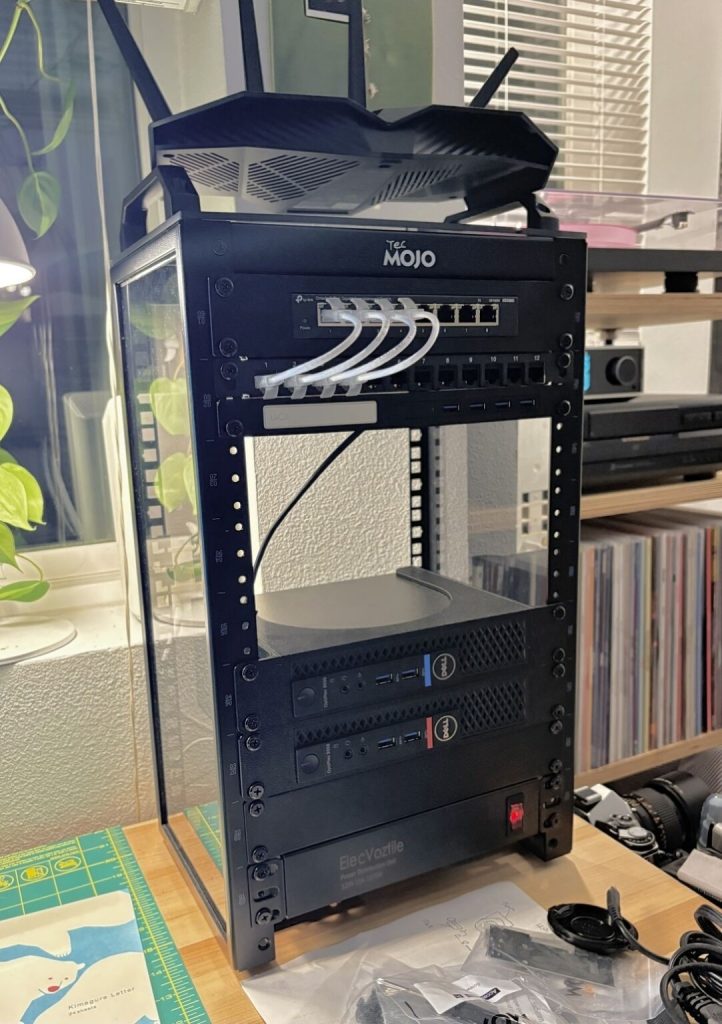
FuchaTech · Networking & Infrastructure
Small office networking: what to plan before buying another router
A practical small-office network brief: understand routers and switches, count devices, record faults and check power before buying equipment.
FuchaTech · Networking & Infrastructure
Label the rack so the next person can work
A dressed rack is not the same as a labeled one. Both ends of a lead, and a one-page port list, are what make the next visit possible.
FuchaTech · Networking & Infrastructure
Reading a wireless link before anyone climbs
A line on a map is not a radio path. Look at the trees, the power at both ends, and the mount, before the radio leaves the workshop.