
FuchaTech original · Cloud Computing
A backup routine an office can actually keep
One copy on the computer is not a backup. A routine that survives is the one people will still run on a busy Friday.
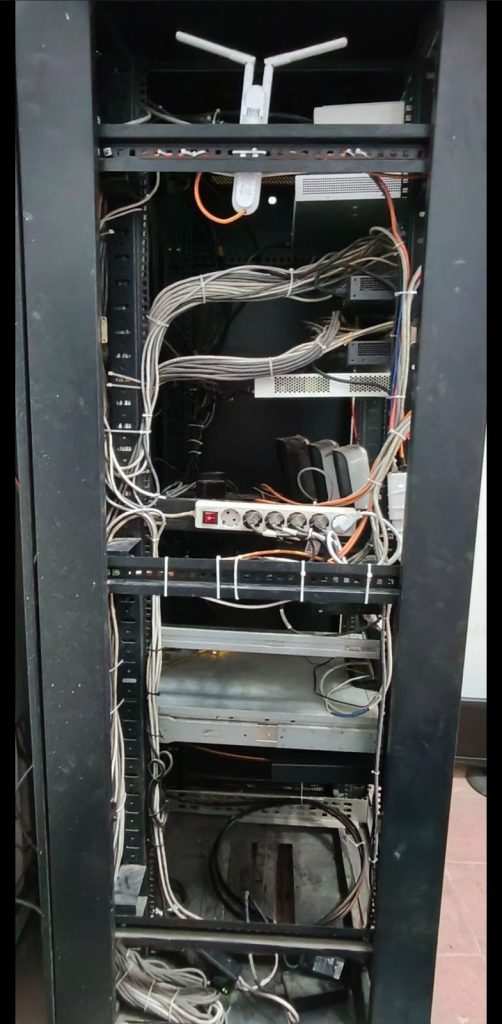
Backups fail in offices for a boring reason. The plan was correct on the day it was written, and then nobody did it, because it asked for a person to remember a tape, a drive, or a folder with a new name every afternoon. A routine that is kept is smaller than the routine that looks complete in a proposal.
One copy on the machine is the work, not the backup
The file on the laptop, and the only copy of that file on the same laptop, disappear together when the disk dies or the machine is stolen. A folder called “Backup” on the same desktop is the same copy. The second copy has to be on something else: another disk, a server, or a service that is not that computer.
Three places, in plain language
Keep the working files where people actually edit them. Keep a second copy in the office, on a drive or server that is not the same machine. Keep a third copy that is not in the building, so a theft, a fire, or a ransomware note on the office PCs does not take both. That third copy can be a cloud service or a disk that goes off site. The brand matters less than the fact that it leaves.
You do not have to back up the entire internet history of every PC. Start with the folders you would hate to rebuild: accounts, contracts, drawings, mail if it is not already hosted, and the export from any system that lives on one machine. If payroll sits in one program on one desktop, that program’s data is the backup, not the icons on the screen.
How often is a business decision
Ask how much work you can bear to redo. A design office that would lose a day of drawings needs a tighter loop than a shop whose till already syncs each sale. Daily is a reasonable default for the files people change. Less often is honest only if everyone agrees what a lost week would cost. Write the interval down. “When someone remembers” is not an interval.
Test one restore
A backup that has never been opened is a rumour. Once, pick a file you can afford to experiment with, restore it somewhere that is not on top of the live copy, and open it. If the restore needs a password nobody has, or a program that is not installed, you have learned the useful thing while the office is still calm.
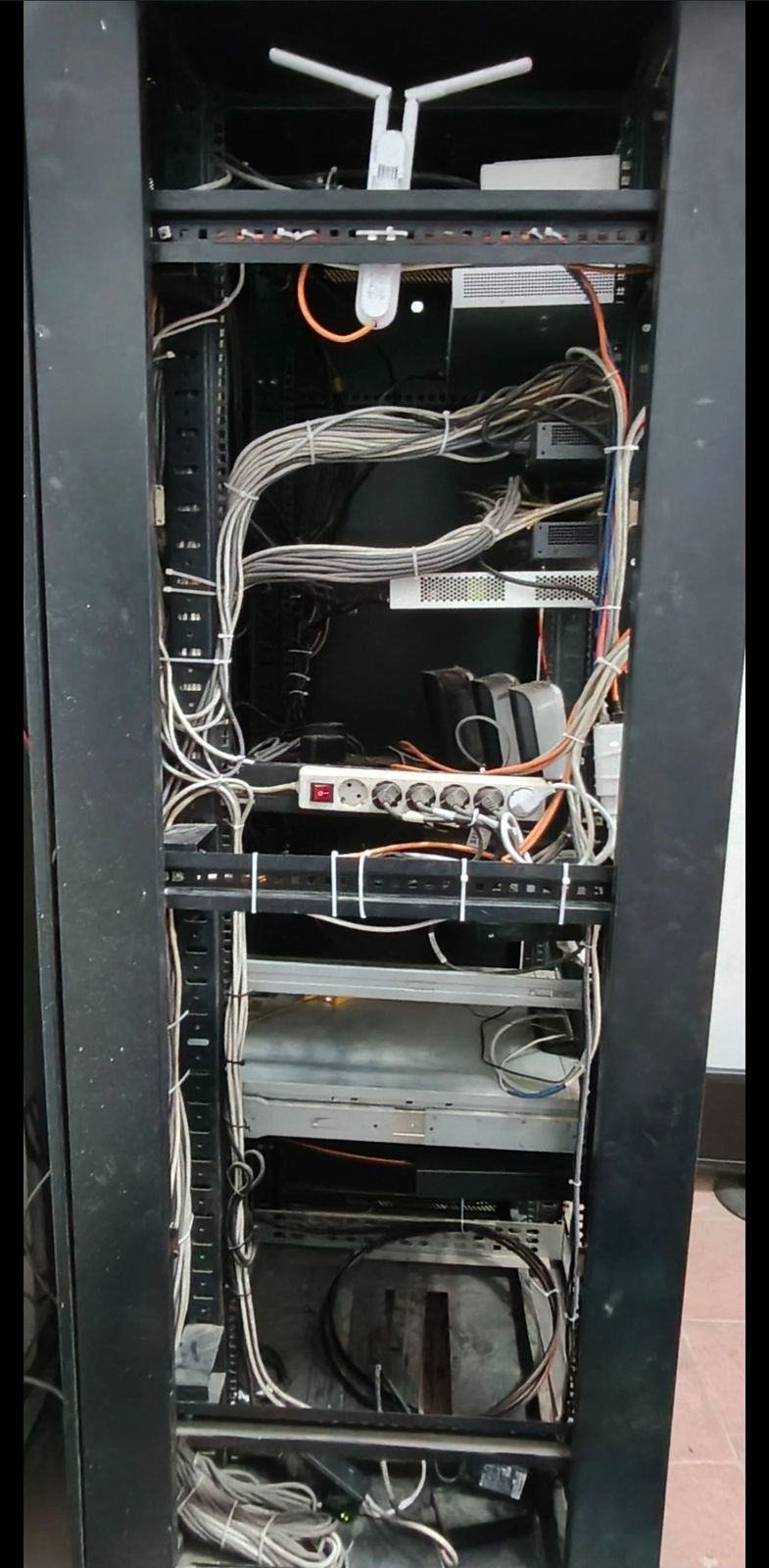
Power protection is a different problem. A UPS lets equipment shut down cleanly or ride through a short cut. It does not store last Tuesday’s spreadsheet. Treat them as two lines on the same page, not as substitutes.
If the office wants this set up rather than described, it sits with the rest of backup, cloud, and day-to-day support. Tell us what you cannot afford to lose and where those files live today.
Continue reading
All insightsFuchaTech · Cloud Computing
Business email, website hosting, and Microsoft 365 are three different things
A domain, a website host, and a mailbox are often sold as one bundle. They are three decisions, and mixing them up is how mail breaks.

Curated · Cloud Computing
Yandex outage: Data shows that instead of going dark, malicious bots went on the move
When strikes hit Yandex data centers, many assumed Russian bot operations went dark. Cloudflare data reveals that while search crawling stopped, malicious bots simply migrated to other networks.
Original article
Curated · Cloud Computing
Amazon S3 is now available on the Vercel Marketplace and v0 by Vercel
Amazon Simple Storage Service (Amazon S3), including Amazon S3 Tables and Amazon S3 Vectors, is natively available on the Vercel Marketplace and v0 by Vercel.
Original article